What It Does
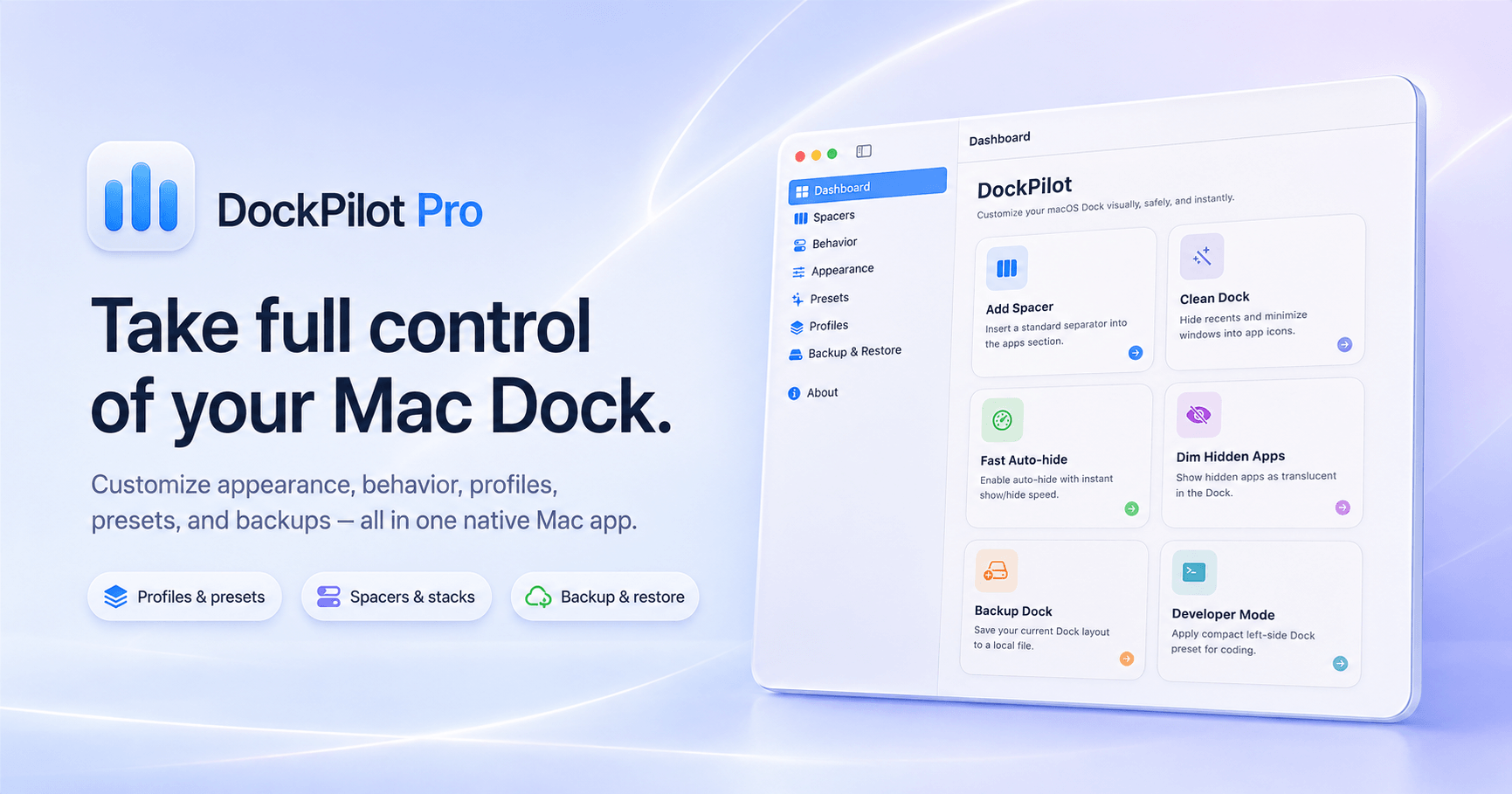
DockPilot Pro is a small native macOS app that makes your Dock easier to control, organize, and recover.
I built it because macOS actually has a lot of useful Dock customization options, but many of them are hidden behind Terminal commands. Things like adding Dock spacers, hiding recent apps, speeding up auto-hide, changing minimize behavior, creating backups, or switching between Dock layouts are possible - but not exactly friendly.
DockPilot Pro brings those controls into a clean visual interface.
You can organize your Dock with spacers, tune how it looks, change how it behaves, save complete setups as profiles, apply ready-made presets, and restore previous layouts if something does not feel right.
No Terminal. No remembering commands. No manually editing system preference files.
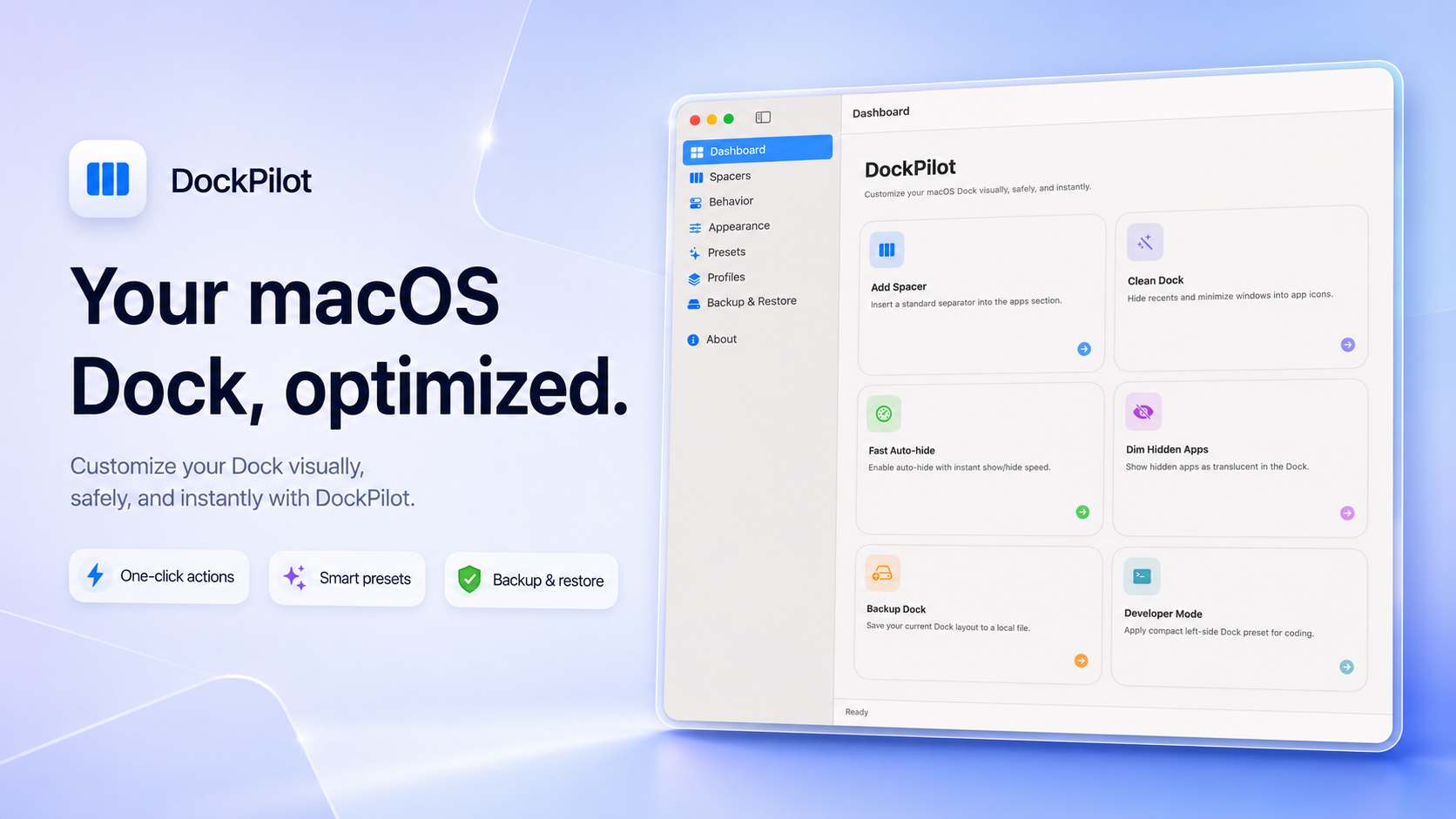
The dashboard gives you the most useful actions right away: add a spacer, clean up the Dock, enable fast auto-hide, back up your current layout, or jump straight into Developer Mode. It is meant to be the quick starting point when you just want to make a change and move on.
Features
- Profiles - Save your current Dock setup and switch back to it later. This is useful when you want different Dock layouts for different situations: coding, design, work, screen sharing, focus time, or a minimal travel setup. Profiles make the Dock feel less permanent and more like a workspace you can change depending on what you are doing.
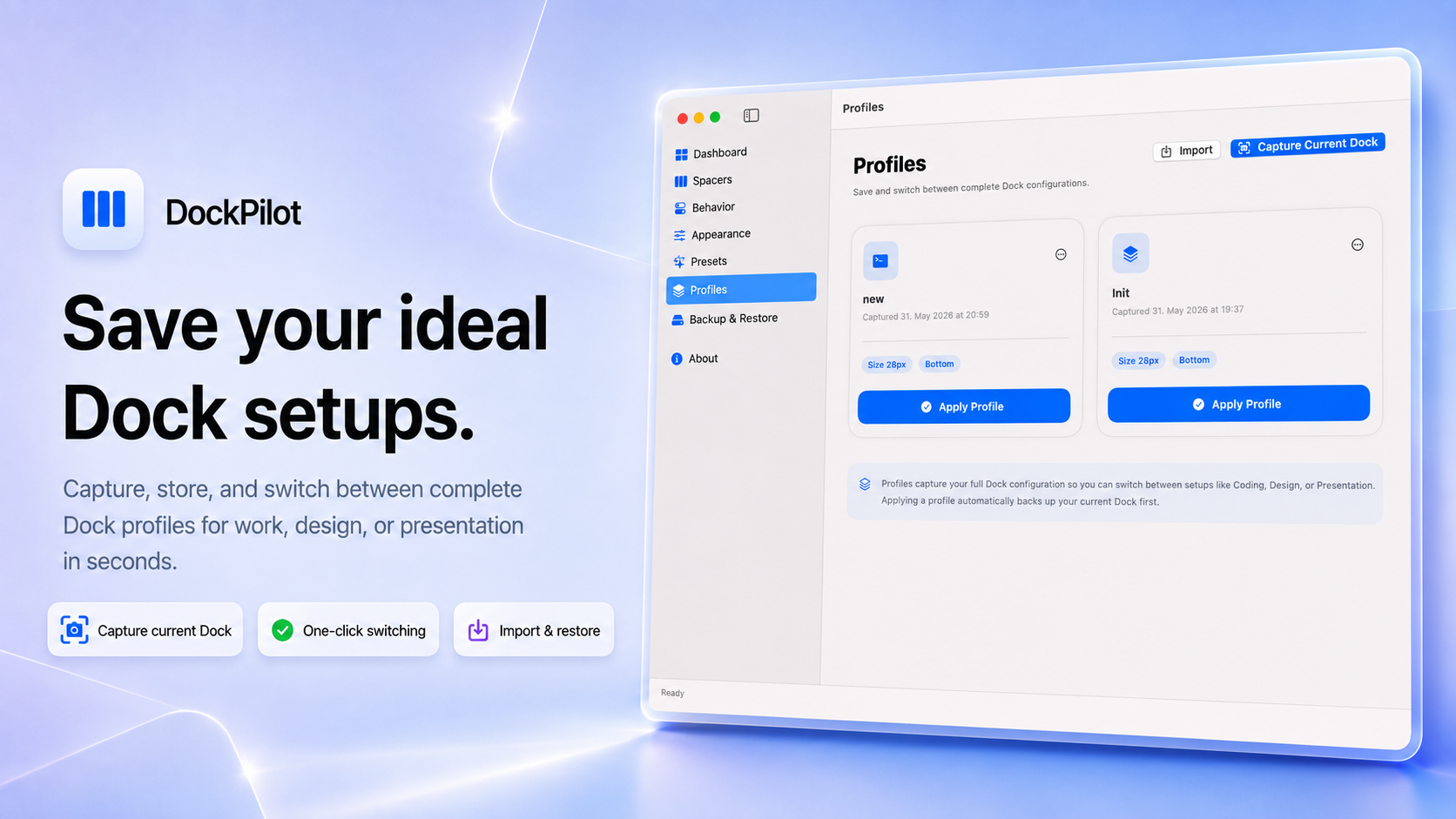
The Profiles screen lets you capture your current Dock, import saved profiles, and apply a profile with one click. Each profile shows key details like Dock size and position, so it is easy to recognize the setup before applying it.
- Backup & Restore - Before experimenting with Dock settings, DockPilot Pro can create a backup of your current Dock configuration. If you apply a preset, change your layout, or just want to go back to an older setup, you can restore a saved backup instead of trying to rebuild everything manually.
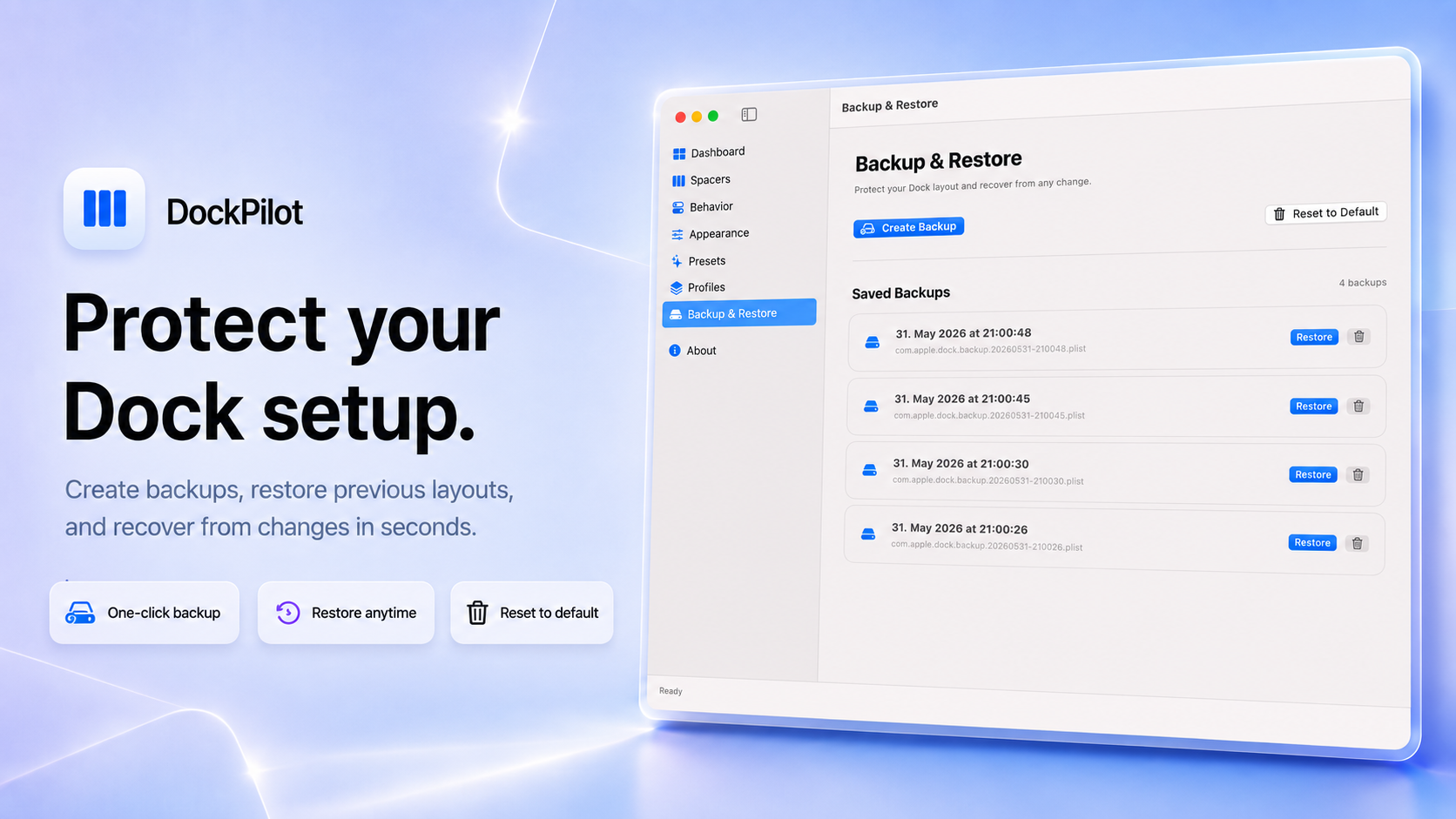
The Backup & Restore screen keeps your saved backups in one place. You can create a new backup, restore a previous one, delete old backups, or reset the Dock to its default state. It is designed to make customization feel safe, not risky.
- Presets - Apply complete Dock configurations instantly. DockPilot Pro includes ready-made presets such as Clean Minimal, Developer Mode, Presentation Mode, and Full Power. Each preset is built for a real use case, so you can quickly move from a quiet minimal Dock to a focused coding setup or a screen-sharing-friendly presentation layout.
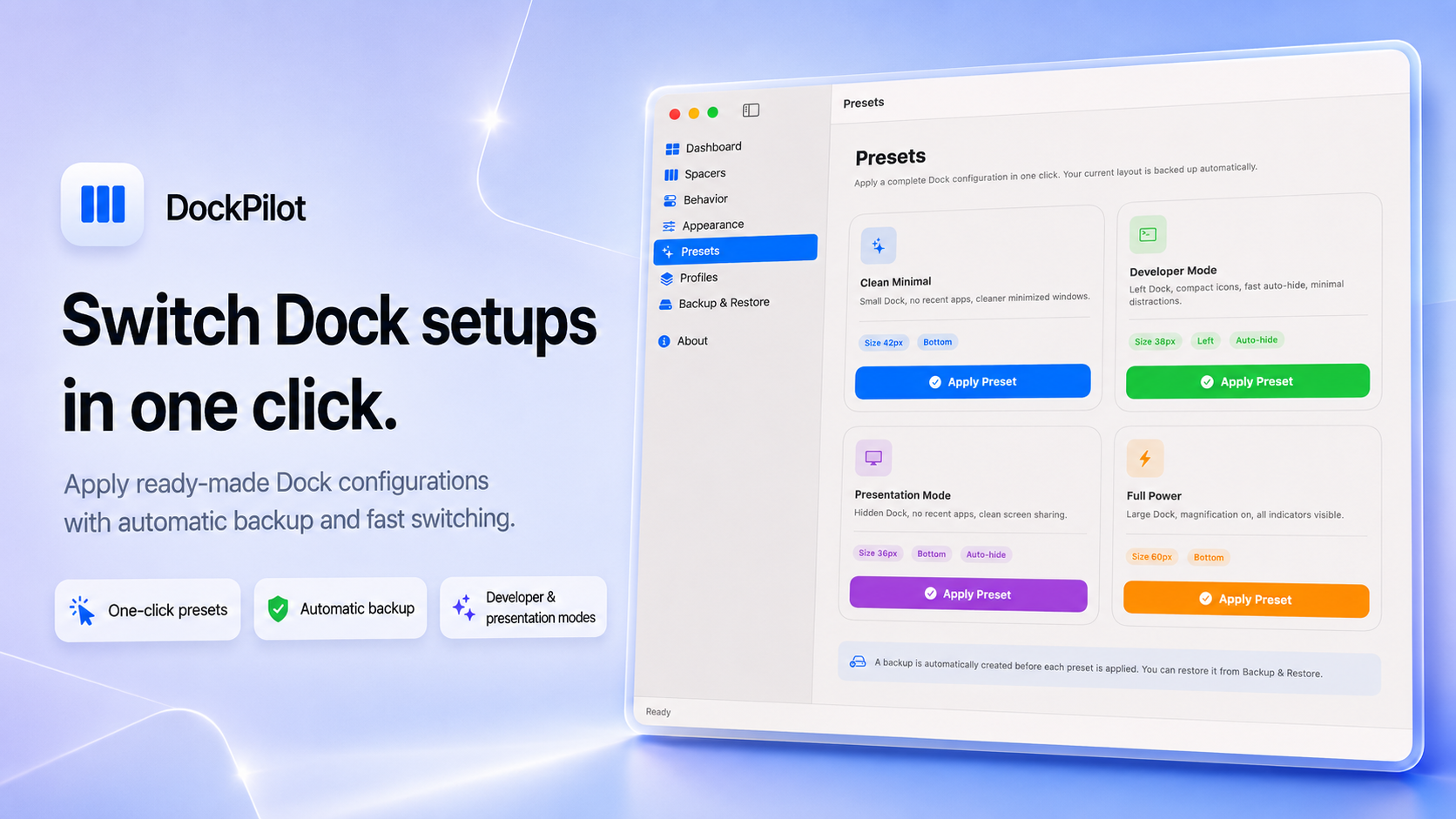
The Presets screen shows each preset as a visual card with its main settings, like Dock size, position, and auto-hide behavior. When you apply a preset, DockPilot Pro automatically creates a backup first, so you can always return to your previous setup.
- Menu Bar Companion - DockPilot Pro also lives in your macOS menu bar, so you can control your Dock without opening the main window. This is perfect for quick actions during the day: apply a profile, apply a preset, toggle auto-hide, add a spacer, create a backup, or check for updates.
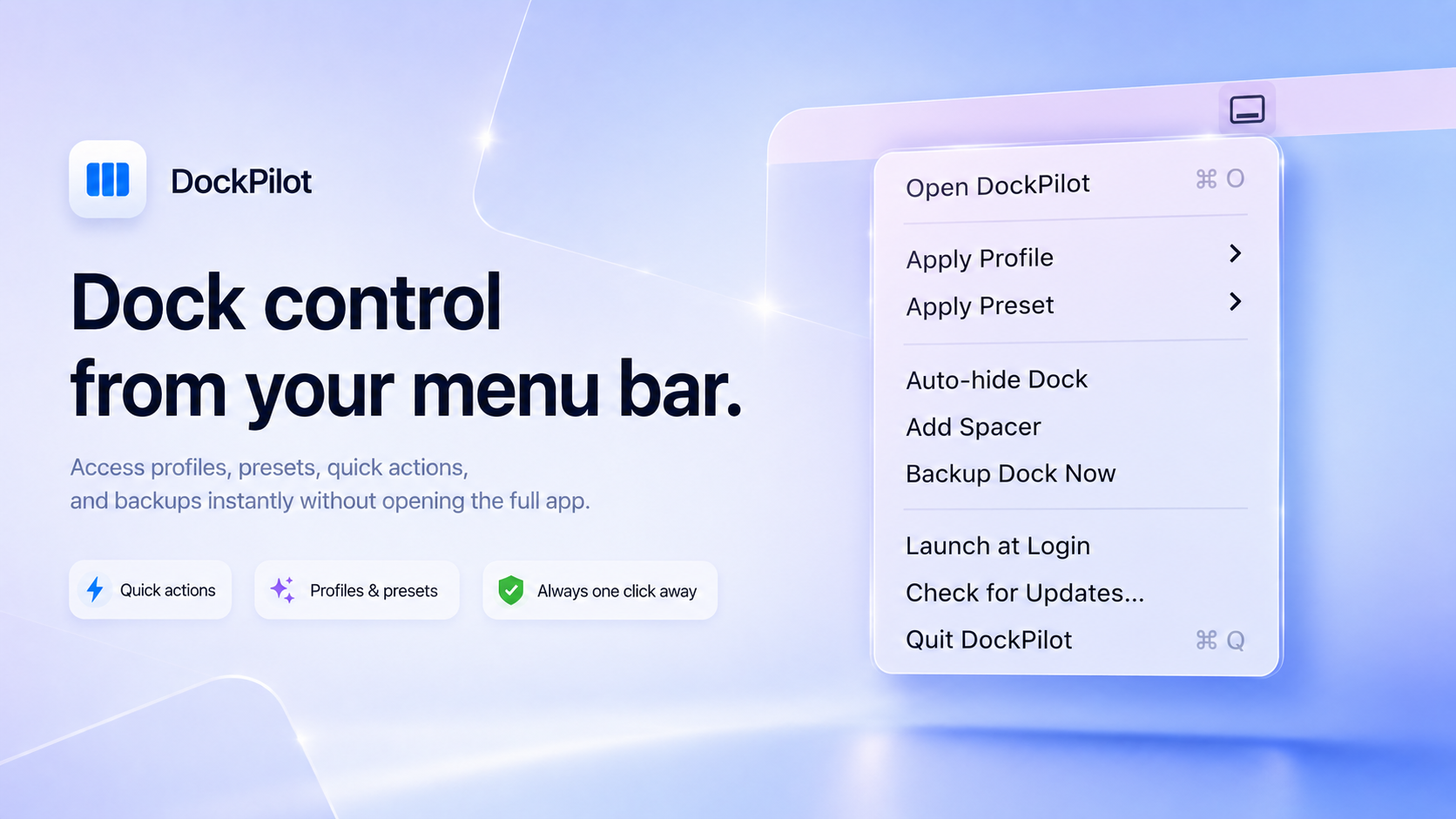
The menu bar dropdown is intentionally simple. It gives you access to the actions you are most likely to need quickly, especially profiles, presets, spacers, and backups. It is useful when you want Dock control to be one click away.
- Appearance Controls - Adjust the visual side of your Dock from one place. You can change the Dock position, icon size, magnification size, and minimize effect. Instead of running separate commands or searching through settings, everything is grouped into a simple Appearance screen.
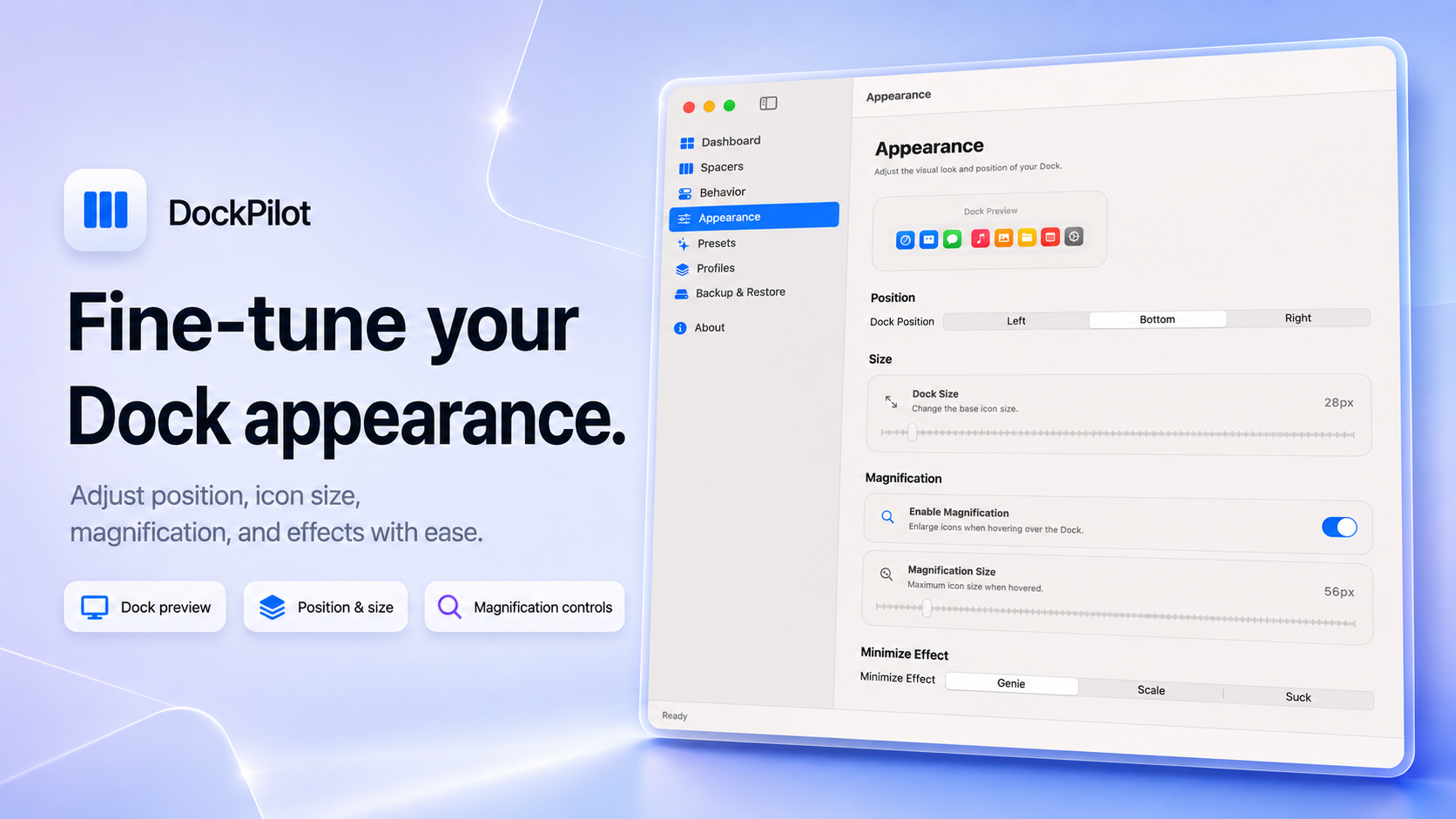
The Appearance screen includes a Dock preview at the top, followed by controls for position, size, magnification, and minimize effect. It is built for small visual adjustments: make the Dock compact, move it to the left, increase magnification, or tune it for a larger monitor.
- Behavior Settings - Control how the Dock responds while you use your Mac. You can enable auto-hide, make auto-hide faster, show only running apps, dim hidden apps, show running indicators, minimize windows into their app icon, and hide recent apps.
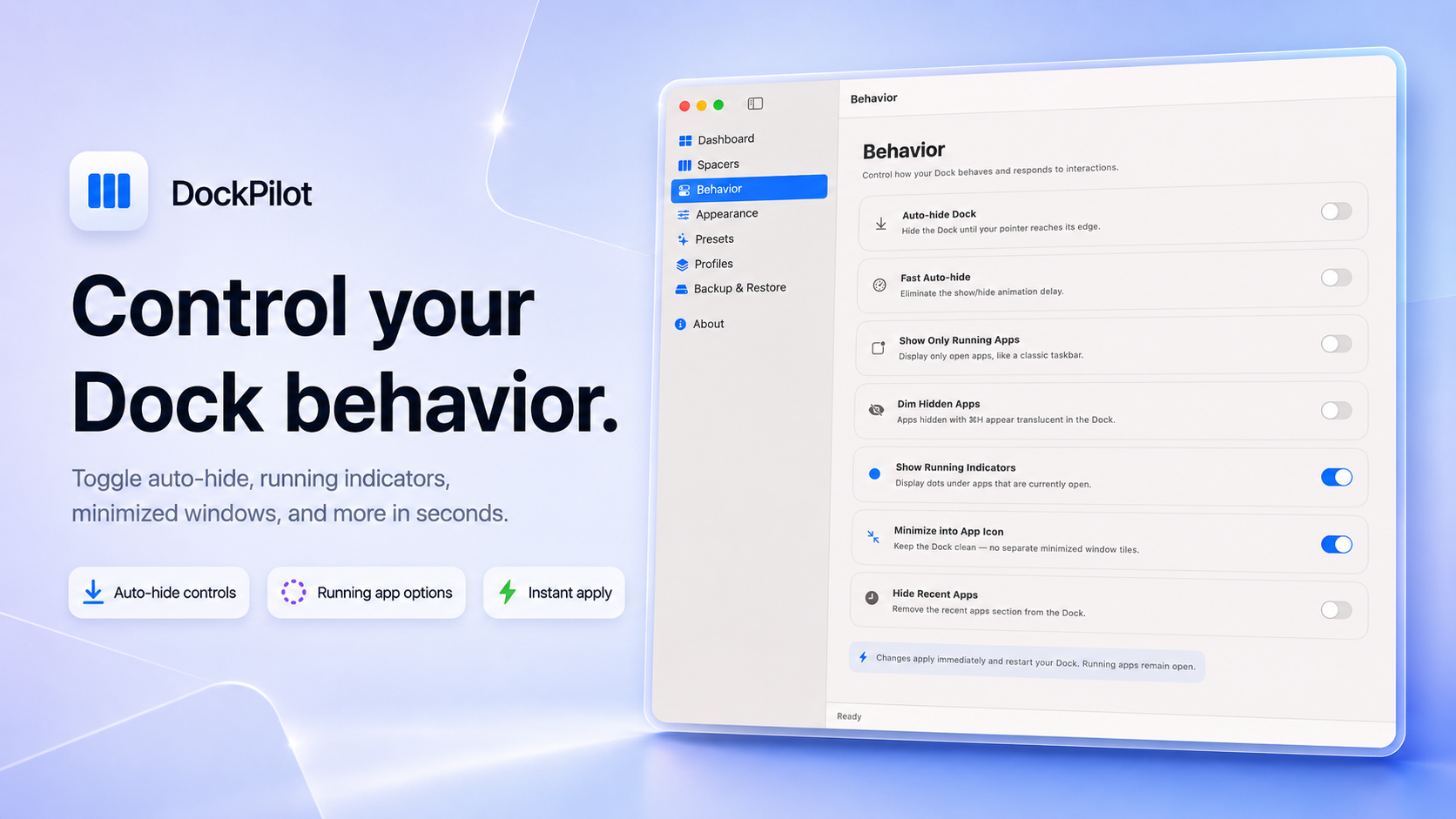
The Behavior screen is where you make the Dock feel cleaner and less distracting. For example, you can hide recent apps, keep minimized windows inside their app icons, or make hidden apps visually obvious. These are small changes, but they make the Dock feel much more intentional.
- Spacers & Recent Stacks - Add visual separation to your Dock with standard spacers, small spacers, right-side spacers, and recent stacks. This is one of the simplest ways to make the Dock easier to scan, especially if you keep many apps pinned.
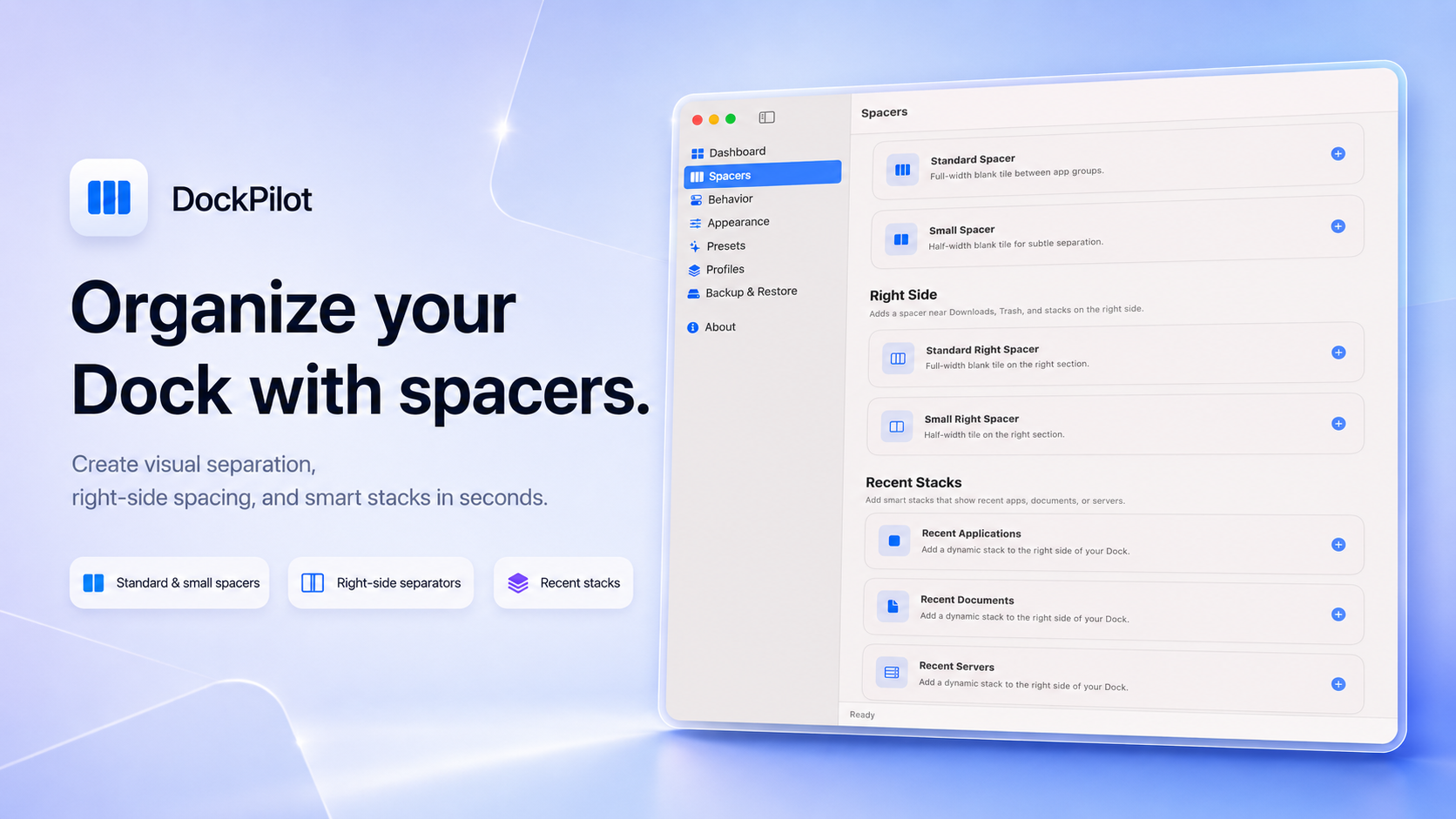
The Spacers screen separates everything clearly: app-section spacers, right-side spacers near Downloads and Trash, and recent stacks for applications, documents, and servers. Instead of pasting Terminal commands, you just click the spacer or stack you want to add.
-
Auto-Updates - DockPilot Pro supports automatic updates through Sparkle, so you can stay on the latest version without manually downloading new builds. You can also check for updates from the menu bar.
-
Native macOS Experience - DockPilot Pro is built as a native Swift macOS app. It uses a clean sidebar, smooth macOS controls, cards, toggles, sliders, and system-style interactions, so it feels like a proper Mac utility instead of a web wrapper.
-
Local-First Privacy - Your Dock profiles and backups stay on your Mac. DockPilot Pro does not require an account, cloud sync, or online storage to manage your Dock configuration.
Requirements
- macOS 15.0 (Sequoia) or later
- Apple Silicon or Intel Mac
DockPilot Pro is made for Mac users who like a clean workspace and want more control without spending time in Terminal. It is especially useful for developers, designers, creators, productivity-focused users, and anyone who switches between different work modes.
Auto-Updates
DockPilot Pro checks for updates automatically using Sparkle. You can also trigger a manual update check from the menu bar icon or from inside the app.
Updates are lightweight and simple, so you can keep DockPilot Pro current without reinstalling it manually.
License
DockPilot Pro is available as a one-time lifetime purchase.
Pay once, use it forever. No subscription, no monthly billing, and no recurring payment.
The Pro license includes the full app, profiles, presets, backup and restore, menu bar companion, appearance controls, behavior controls, spacers, recent stacks, and future 1.x updates.